
Connectivity
RV Internet for Monitoring: WiFi vs. Cellular vs. Starlink (Your Alerts Are Only as Good as Their Connection)
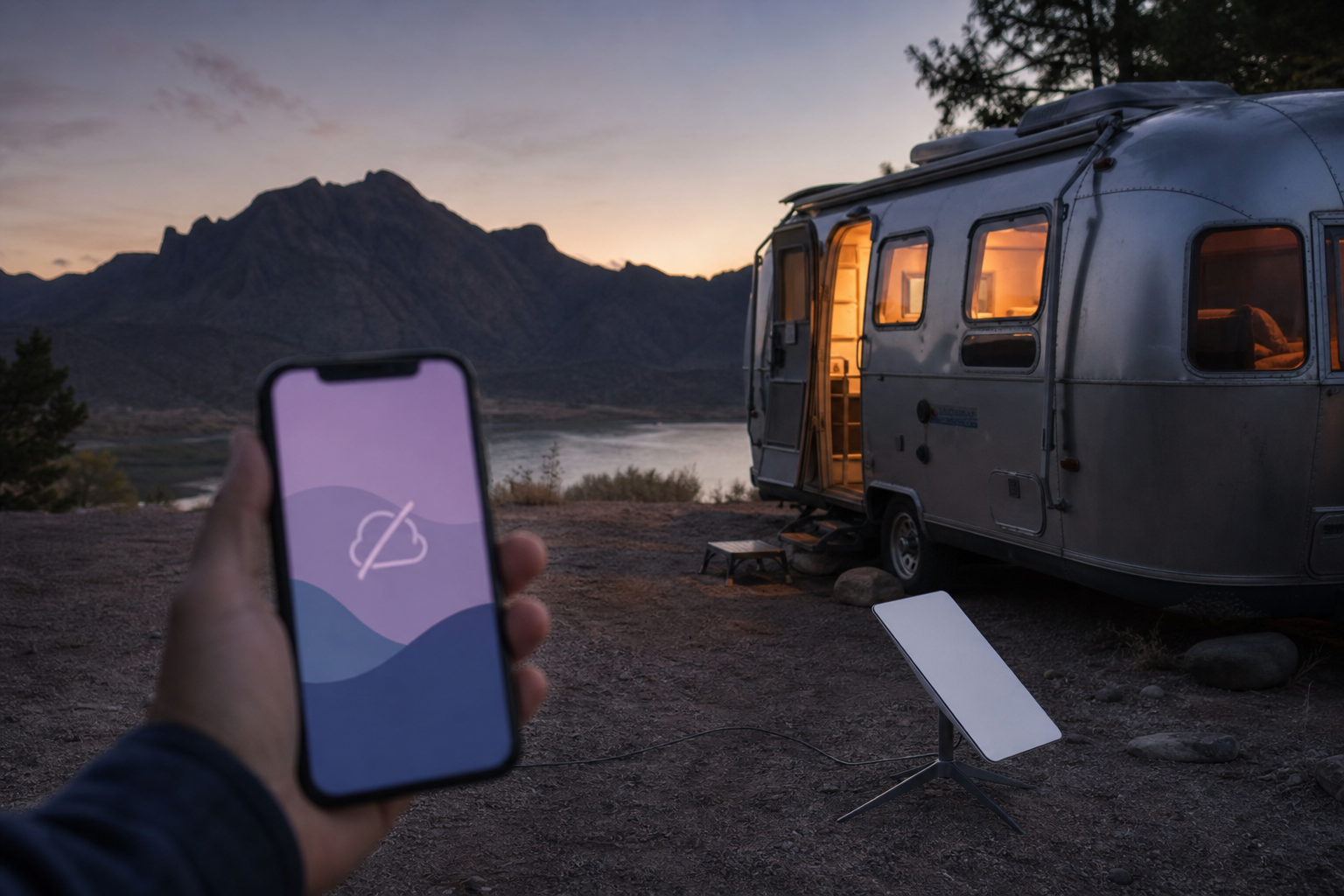
Hundreds of "Starlink for RV" reviews cover download speeds and streaming. None ask the question that matters: when you're forty minutes away and the RV's temperature starts climbing, what connection does that alert escape on?
In the research for our RV monitoring system comparison, the most common failure wasn't the sensor — it was the connection. The chain is sensor → connection → cloud → phone, and it breaks at link two. Here's how WiFi, cellular, and Starlink score on "is it there at 2 a.m. when nobody's home?"
The three architectures, through the monitoring lens
An alert is a few hundred bytes; any connection can carry it. What matters: availability (up when the RV is unattended?), power (survives an outage?), and coverage (works where the RV sits — including the storage lot?).
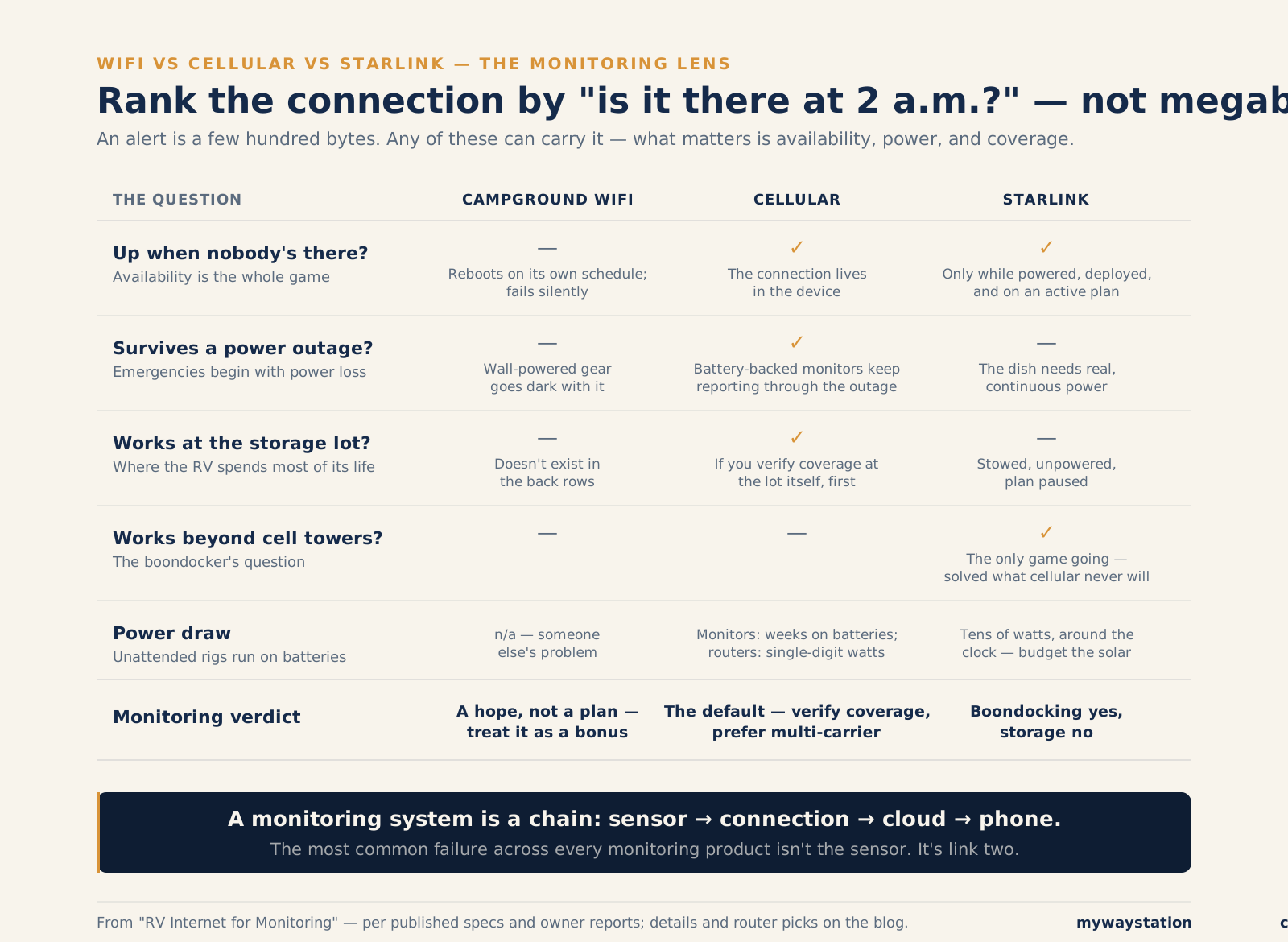
The three architectures, scored on availability, power, and coverage.
Campground WiFi: the connection you don't control
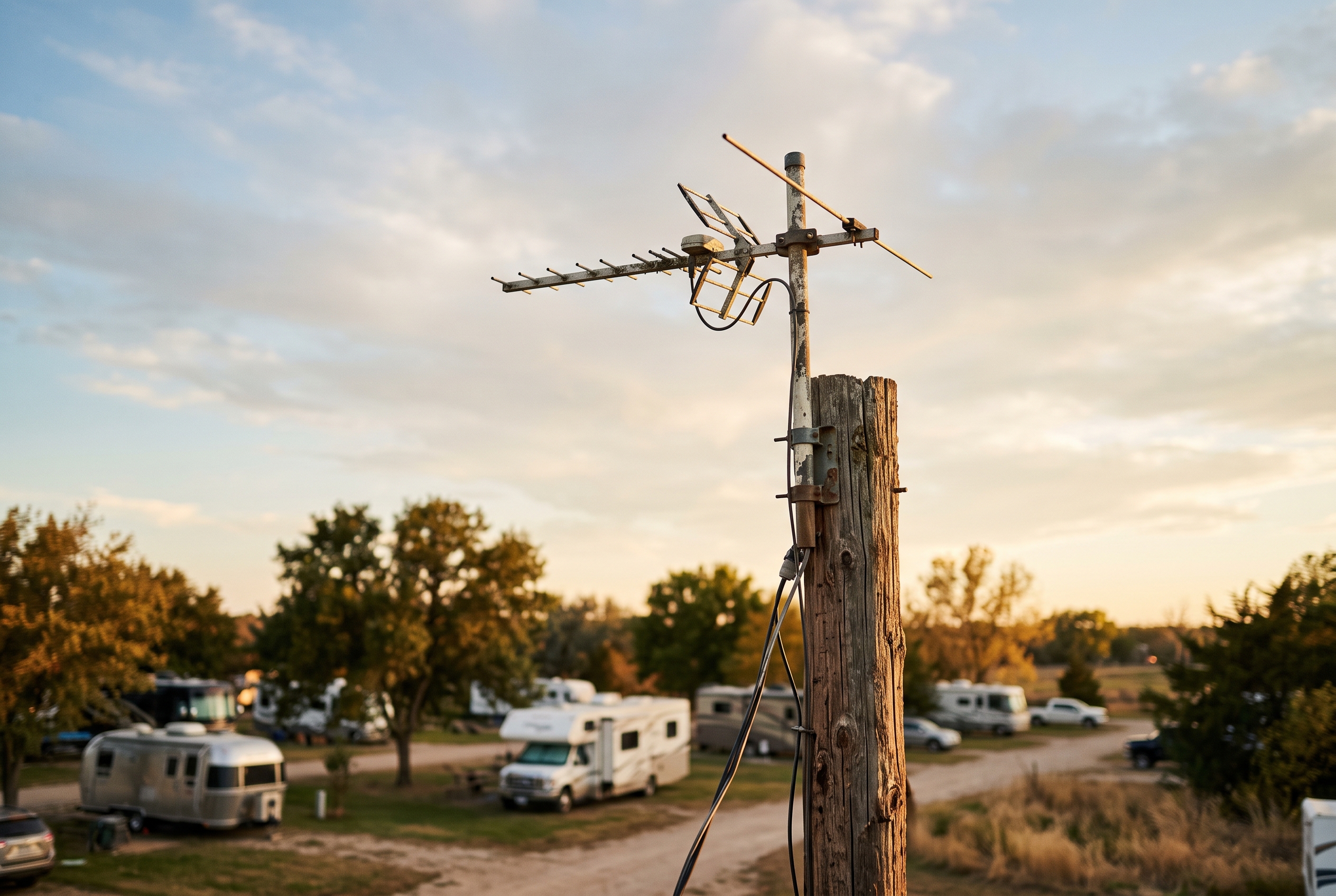
Your pet-safety alert, riding on this.
Campground WiFi is oversubscribed on summer weekends, reboots on its own schedule, and its captive portals — those "click to accept" login pages — defeat monitoring devices that can join the network but can't click "I agree." On r/RVLiving, veterans like u/boiseshan flatly warn against trusting park WiFi with anything that matters.
Worse: a monitor on someone else's WiFi fails silently. When the park router hiccups, your sensor just stops reporting — you find out only if your platform sends an aggressive "device offline" alert, and many are gentle about it. With a pet in the rig, gentle is not what you want.
Monitoring verdict: WiFi monitors like Temp Stick and RV Whisper are built for buildings — a router that stays put, on power that stays on. Acceptable only on WiFi you control — your driveway, your own storage building. Campground WiFi as an alert path is a hope, not a plan.
Cellular: the right architecture, with a carrier-shaped catch
Cellular matches the problem: the connection lives in the device, works wherever there's a tower, ignores captive portals, and keeps running on battery when shore power dies — the moment most RV emergencies begin. That's why every serious remote monitor (Waggle, MarCELL, Necto) is a cellular temperature monitor at heart — the subscription is mostly a cell plan.
The catch: single-carrier lock-in. Most cellular monitors run on one carrier the manufacturer chose. Waggle's older units were Verizon-only — park in a weak-Verizon pocket and the device dropped offline and stayed offline. Waggle's current monitors auto-switch between AT&T, Verizon, and T-Mobile on a multi-carrier SIM; MarCELL sells separate Verizon and AT&T versions instead.
The RVer fix: run a cellular router (models below) and let monitoring gear ride its WiFi — a dual-SIM router holds two carriers and fails over, and one data plan feeds monitor, cameras, and laptop. Tradeoff: the router needs power, and you need to know what it does in an outage.
Either way: check the carrier's coverage map where the RV actually sits — storage lot address, favorite campgrounds — before buying. The number-one cellular complaint is avoidable with ten minutes of map-checking.
Monitoring verdict: the default choice. Prefer multi-carrier — a dual-SIM router, or a monitor whose carrier verifiably covers where the RV parks.
Starlink: brilliant while camping, blind in storage
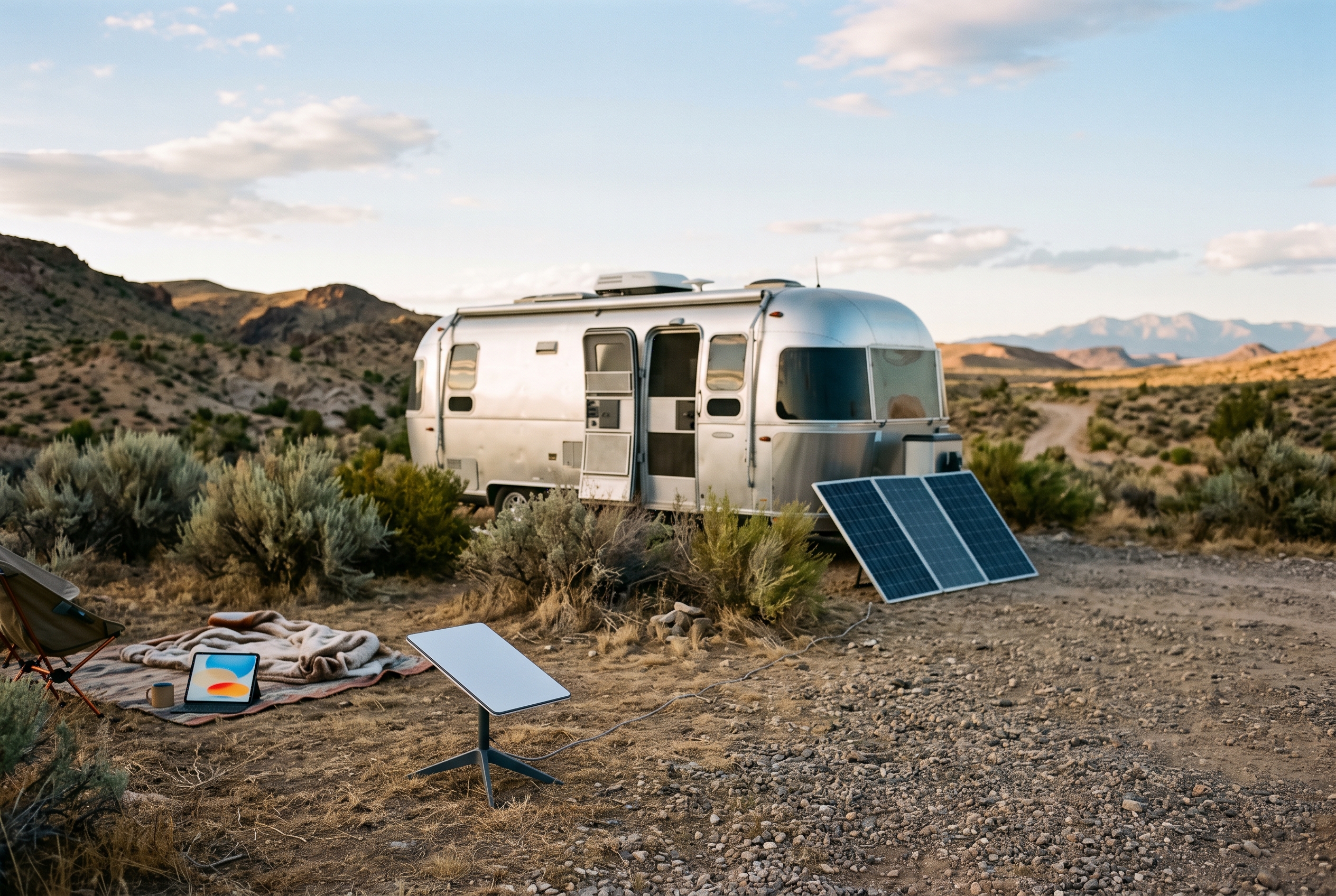
Starlink solved a problem cellular never will: connectivity where there are no towers. Beyond cell range it's the only game going, and as a while-camping alert path it's excellent.
Roam pricing as of mid-2026: Roam 100GB at $55/month and Roam Unlimited at $175/month, with a 300GB middle tier at $80/month — no contract. The free pause is gone; Standby Mode (below) replaces it.
Two problems streaming reviews skip:
1. Power draw. The Standard dish averages 75–100W per Starlink's own spec sheet — more with the snow-melt heater (rated to melt 40mm of snow an hour). The Mini is the monitoring-friendly one: 25–40W average officially, around 20–25W light duty and 12–15W idle in independent measurements, no heater. Even so, ~30W around the clock is roughly 720Wh a day — about 60Ah from a 12V bank, dead in a couple of days without solar. A cellular monitor sips AA batteries for weeks; a cellular router draws 5–10W.
2. Storage. Starlink only works powered, aimed at the sky, on an active plan — a stored rig usually has none of those. The pause option is now Standby Mode: $10/month (doubled from $5 in mid-2026), keeping service alive at ~500 kbps — miserable for Netflix, luxurious for monitoring. In principle, a powered Mini with a sky view and Standby keeps alerts alive for $10/month; in practice most storage lots offer none of that, so Starlink is simply off — and so is every alert riding it.
Monitoring verdict: the best (often only) alert path beyond cell coverage — budget the watts, prefer the Mini. Nearly useless in storage, where your RV spends most of its life.
The routers RVers actually use
Building connectivity instead of buying a self-contained monitor? Three names come up constantly:
- Peplink MAX BR1 Pro 5G — the full-timer's reference standard: 5G modem (the current revision, shipping since late 2025, runs Qualcomm's X65), WiFi 6, native 12V DC (10–30V with ignition sensing), rated -40°F to +149°F, and WiFi-as-WAN failover that blends campground WiFi with cellular. Expensive, plus the PrimeCare subscription (1-, 2-, or 4-year add-ons).
- GL.iNet Spitz AX (GL-X3000) — the value pick: dual-SIM failover, WiFi 6, OpenWrt, a fraction of Peplink money. That's the direct antidote to carrier lock-in.
- GL.iNet Puli AX (GL-XE3000) — the Spitz's sibling with a built-in 47.4Wh (6,400mAh) battery: when shore power drops, the router runs for hours, so your power-loss alert has a connection out — fixing the chain (power dies → router dies → alert dies) that strands wall-powered setups.
Pair one with a carrier that covers your ground and every WiFi device in the rig becomes effectively cellular. They also fix the Bluetooth gap: Victron battery monitors and Bluetooth tank senders are readable from the couch, invisible from forty miles away — there's an entire iRV2 thread about it. A small always-on gateway riding the router bridges it — the backbone of the DIY Home Assistant build.
Which connectivity for which RVer

Four RVers, one rule: plan the stack for the rig's loneliest month, not its best one.
The weekender (rig stored between monthly trips). The RV is alone 25+ days a month, so this is 90% a storage problem. Skip Starlink; a battery-backed cellular monitor on a carrier verified at the lot is the whole answer.
The full-timer. Internet is infrastructure: a dual-SIM router (Peplink or Spitz AX class) as backbone, Starlink for boondocking, monitoring riding both with failover — for you, "RV internet" and "monitoring internet" are the same build.
The boondocker. Starlink Mini, sized into your battery budget (~720Wh/day at ~30W around the clock). The honest catch: while you're at the rig, you're the monitor. The risk is day trips away from a rig on battery — the trailhead often has cell service the campsite doesn't — so a cellular monitor is cheap redundancy.
The stored rig. The hardest case — no campground WiFi, Starlink powered down, and even cellular monitors die when battery backup runs out days into a months-long sit. It has its own article: verified cellular at the lot, months-long battery or maintained power, and an offline alert you'll notice.
The blind spot nobody prices in
Connectivity is strongest exactly when you need monitoring least. Camping, you have Starlink, cellular, maybe park WiFi — and you're twenty feet from the dog. When the rig sits alone for five months — while pipes freeze, batteries die, mold blooms — the dish is stowed, the plan paused, the router dark. Plan connectivity for the rig's loneliest month, not its best one.
FAQ
Does Starlink work for RV monitoring? Yes, while the dish is powered — alerts need trivial bandwidth. The catches: power (25–40W official average for the Mini, 75–100W for the Standard dish) and storage — a stowed or paused Starlink carries zero alerts.
How much does Starlink Roam cost for an RV? As of mid-2026: Roam 100GB $55/month, a 300GB tier $80/month, Roam Unlimited $175/month, no contract. Standby Mode is $10/month at ~500 kbps — slow for streaming, ample for monitoring.
Do RV temperature monitors work without WiFi? Cellular ones do — that's why they exist; the subscription is the cell plan. WiFi-only monitors like Temp Stick need internet already on site. Our full comparison sorts the market by this distinction.
What's the best internet setup for a full-time RVer? A dual-SIM cellular router (Peplink MAX BR1 Pro 5G if budget allows, GL.iNet Spitz AX for value) on two carriers, plus Starlink for beyond-coverage camping. Put the router on battery backup so an outage can't kill the connection your power-loss alert needs.
Can I check on my RV in storage with Starlink? Usually not — it needs a deployed dish with a sky view, maintained power (a realistic 15–25W continuous for a lightly-loaded Mini), and $10/month Standby or a full plan. A few driveway-stored rigs manage it; most storage lots can't. Cellular, verified at the lot, is the realistic answer.
Is campground WiFi good enough for a pet monitor? Treat it as a bonus, never the plan — it fails silently, on someone else's schedule, and the monitor can't always tell you it's gone dark. Anything with a heartbeat needs a connection that lives in the RV.
Bottom line
Speed reviews rank RV internet by megabits. Ranked by will the alert get out: coverage-checked cellular first, Starlink (Mini, with a power budget) for beyond-coverage camping, campground WiFi never. The storage months — when the RV is most alone and every connection is off — aren't an afterthought; they're the design constraint. Start there and work backward.
Stay in the loop
Occasional updates from the road and the workbench — what we're learning, what we're building. No spam, easy out.